📱 Introduction
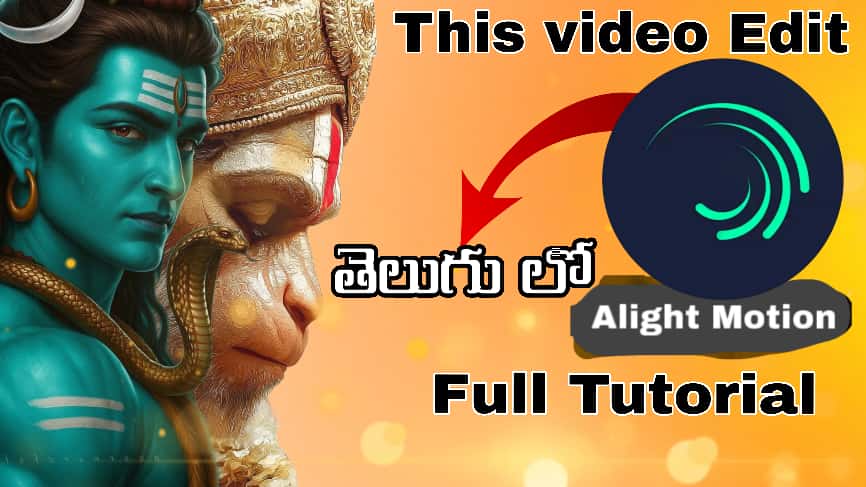
In this post, you’ll learn how to create a Powerful Shiva Hanuman Edit using the Alight Motion app.
This tutorial is specially made for Telugu creators who want to master divine-style edits with cinematic effects.
🧘♂️ Tools You’ll Need
- Alight Motion App (Android/iOS)
- Shiva & Hanuman HD Images or Videos
- Background Music (copyright-free devotional or epic beat)
- A good-performance phone (4GB RAM or above recommended)
🎞 Step-by-Step Editing Process
1️⃣ Create a New Project
- Open Alight Motion → Tap “+” → New Project.
- Set the resolution to 1080p (Full HD) and frame rate to 30fps.
2️⃣ Import Your Assets
- Add Shiva and Hanuman images or video clips.
- Use a Temple, Sky, or Fire aura as the background.
3️⃣ Add Effects & Motion
- Apply effects like Glow, Exposure/Contrast, and Turbulent Displace for a divine look.
- Add zoom-in motion for Hanuman and fade-in for Shiva to match the music beat.
4️⃣ Add Text & Titles
- Create a powerful title such as “Shiva Hanuman Power Edit” or “Divine Energy Edit”.
- Recommended fonts: Bebas Neue, Poppins Bold, or Telugu fonts if needed.
- Add glowing outlines or shadow effects for extra style.
5️⃣ Color Grading
- Use blue or orange tone for a divine aura.
- Adjust brightness and contrast for cinematic impact.
- Blend layers using Overlay or Screen mode for glowing visuals.
6️⃣ Export Settings
- Export in 1080p | 60fps | High Bitrate for best results.
- Perfect for YouTube Shorts, Instagram Reels, or WhatsApp Status.
📹 Video Tutorial
Watch the full step-by-step video here: